Help for customers. Support for your staff. See the benefits in one minute. Then follow a sample customer conversation, with narration explaining each step.
An independent demonstration by Quantum Leaps AI using public information. This is not Lavocat’s official customer service.
START HERE · TWO SHORT VIDEOS
See the benefits. Watch it work.
01
What an assistant can do for Lavocat’s
Customers and staff · 60 seconds · narrated & captioned
An illustrated overview with generated narration. Staff training uses a separate private assistant with approved business materials. Product-location help requires supplied store information.
An assistant for a garden center like Lavocat’s can help before, during, and after a customer’s visit. On your website, it can explain plants and services, even while the store is open and your team is busy.
In-store QR codes let customers ask care questions, explore projects, and find products when you provide store-location information.
Customers can save the link, take helpful guidance home, and return with their next question.
A separate, private staff assistant can simplify training, giving employees approved product knowledge, procedures, and answers while they work.
Share the customer assistant through your website, ads, emails, receipts, and signs.
It’s help when people need it, with your team handling decisions that need a person. Watch the sample conversation. Then try the assistant yourself.
Illustrated replay based on the tested conversation, edited for clarity and narrated. This is not a live screen recording. Staff still confirm availability, prices, and scheduling.
Here’s a sample conversation with Lavocat’s assistant. A Clarence homeowner wants backyard privacy, and wants someone else to handle the project.
The assistant points them toward full-service landscaping and explains what to bring: measurements, sunlight, drainage, and the screening height they want.
Then the customer adds a detail. The bed is already prepared, and they’ll choose trees or shrubs at the nursery.
The assistant adapts. Installation-only fits that situation, with the address, plants, pricing, and timing still needing confirmation from Lavocat’s staff.
When asked to reserve plants and book a date, it explains its limits and prepares a useful call summary. Nothing is sent, reserved, or scheduled.
That means a clearer project and a better-prepared customer, with your team handling the final details. Now try the sample assistant yourself.
Optional: an illustrated landscaping conversation · 1:06
Edited replay of a tested sample conversation, recreated from the supplied transcript with generated narration.
Your next landscaping customer may be planning a project tonight, long after the nursery closes.
This independent sample assistant, created for Lavocat’s by Quantum Leaps AI, helps a Clarence homeowner explore a privacy project.
It uses the bed size, sunlight, and deer concerns. When the customer clarifies an eight-foot height limit, it adjusts its advice and explains the tradeoff.
With the bed already prepared, the assistant identifies installation-only service. It explains the process and what the staff still need to confirm.
Then it turns the conversation into a practical summary the customer can use when calling. Plants, pricing, delivery, and scheduling still need confirmation. Nothing is automatically booked or sent.
That’s the value: useful help while the customer is interested, and a more prepared conversation for your team. Try the sample assistant yourself, and ask a question your customers ask.
03
Now try Ask Lavocat’s
Ask a question your customers ask.
This sample can help explain options and prepare a project summary. Plant availability, prices, delivery eligibility, and installation dates need confirmation with Lavocat’s staff.
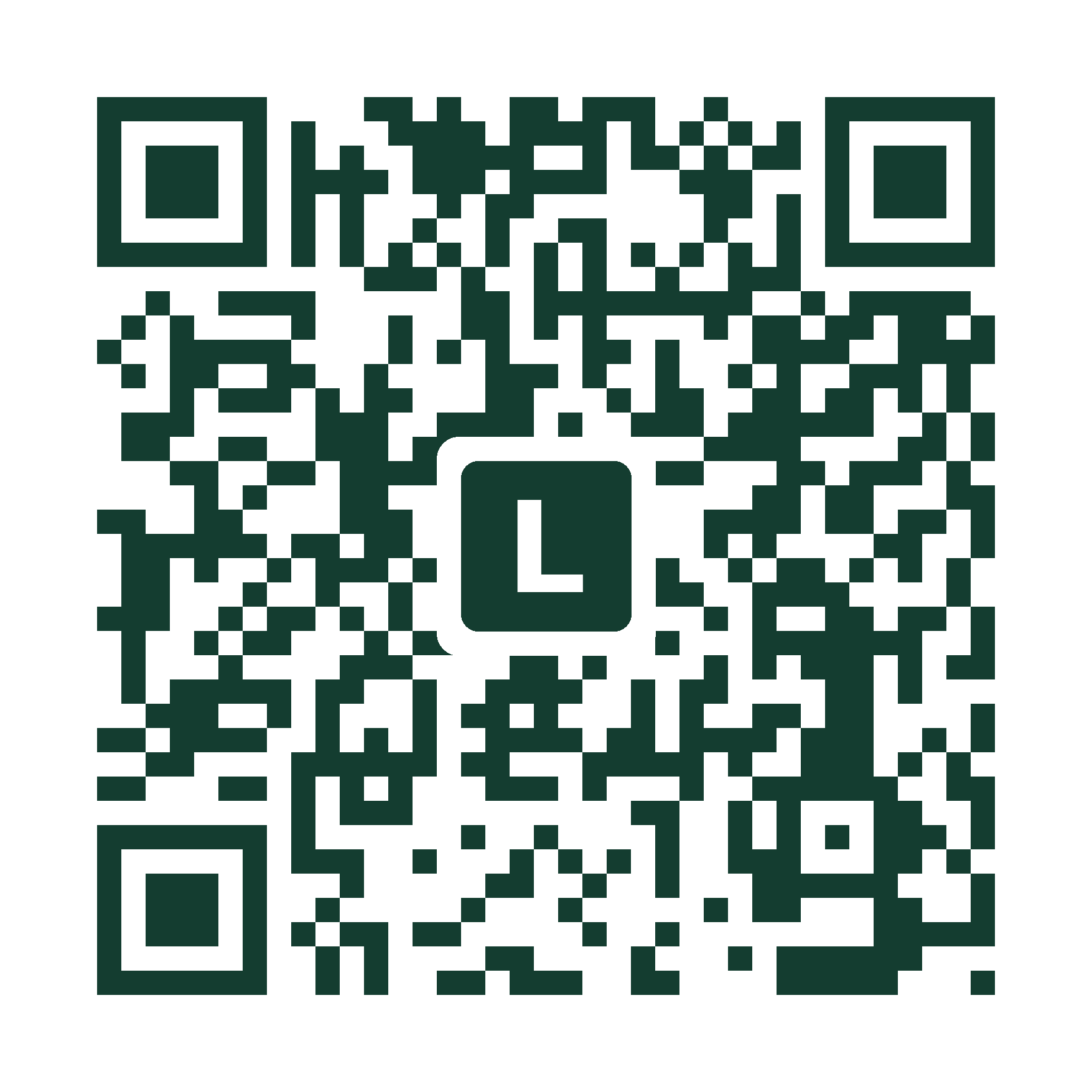
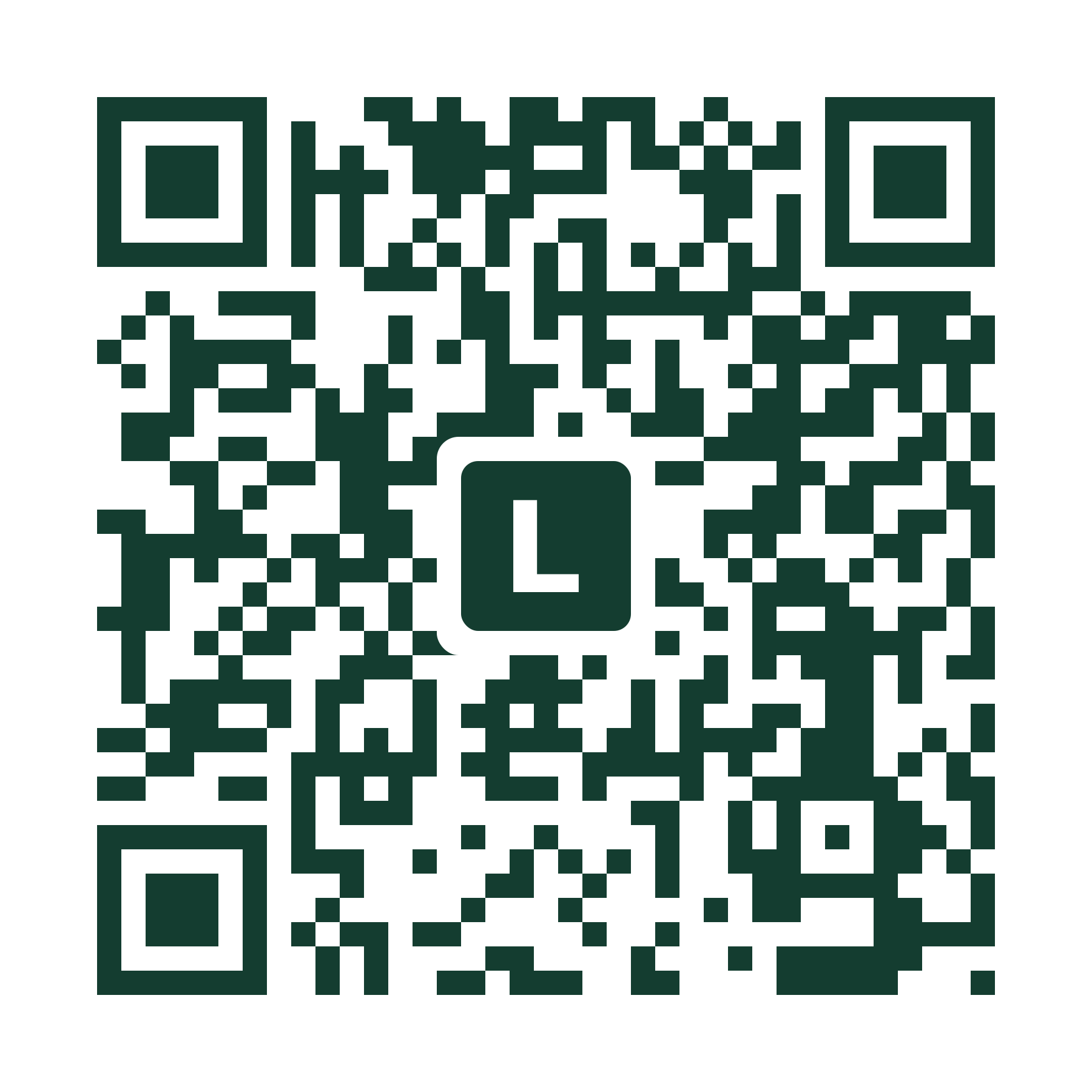
This code opens the demonstration for Lavocat’s, including both videos and the sample assistant. Bookmark the page to return for questions.
1
Scan and open
Show the code on your iPad, or print it for someone to scan with their phone.
2
Watch, then ask
Explore the videos and try a question in the sample assistant.
3
Keep the connection
A saved link gives customers a way to return for care guidance or their next project.
Use it wherever customers find you.
Counter and display signs
Plant tags and care cards
Receipts and handouts
Flyers and print ads
For emails, social posts, and online ads, share the same direct link so customers can tap to open it.
This opens an independent Quantum Leaps AI demonstration, not the nursery’s official website. A business launch would use the destination approved by that garden center.
BEFORE. DURING. AFTER.
Useful help throughout the customer relationship.
Help during the rush
Answer common questions on the website or through in-store QR codes while the team helps other customers.
Make training easier
A separate private staff assistant can put approved product knowledge and procedures within reach as employees learn and work.
Stay with the customer
Share access through ads, emails, receipts, and signs. Customers can save the link and return for care guidance and their next project.